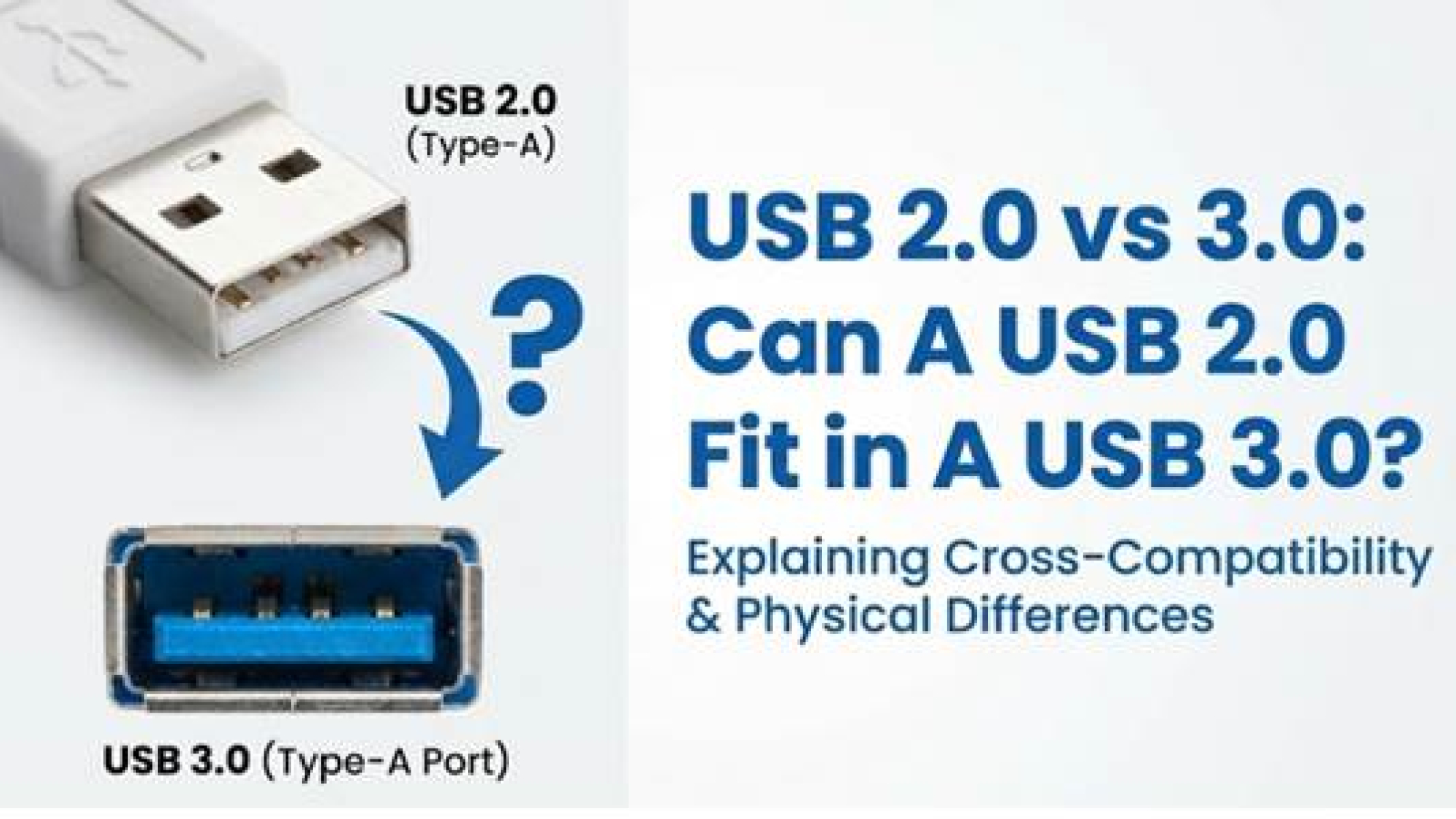
For the common rectangular "Type-A" connector found on laptops and desktops, the physical shape is identical. You can plug an old mouse into a new computer, or a new flash drive into an old TV, and they will connect immediately.
However, while they fit, they will always default to the speed of the older standard.
Here is the engineering breakdown of USB 2.0 vs 3.0 and why modern docking stations still include "old" ports for a very specific reason.
How Can a 2.0 Plug Work in a 3.0 port? Are They the Same?
They look the same, but the internal engineering is a "Dual-Bus" masterpiece. The answer to "Does USB 3.0 work with 2.0?" lies in the pin layout hidden inside the port.
- The Shape: The external metal shield dimensions (approx. 12mm x 4.5mm) were deliberately kept identical to ensure 100% mechanical compatibility.
- The "Legacy" Front: If you look inside a Blue USB 3.0 port, the four pins at the very front are the original USB 2.0 pins (Power, Ground, Data+, Data-).
- The "SuperSpeed" Back: USB 3.0 adds five new pins deep in the back of the connector.
When you insert a USB 2.0 plug, it is physically too short to touch the deep pins in the back. It only connects with the front four pins. The computer detects this, ignores the high-speed circuitry, and activates the USB 2.0 controller.
This physical separation guarantees that [is usb 3.0 backwards compatible]—it doesn't rely on software emulation; it relies on distinct hardware paths.
USB 2.0 vs 3.0: The Spec Showdown
While they fit together, the performance gap is massive. A USB 2.0 device in a 3.0 port will not run faster; it is physically limited by its internal wiring.
| USB 2.0 (High Speed) | USB 3.0 (SuperSpeed / 3.2 Gen 1) | |
| Max Speed | 480 Mbps (Theoretical) | 5 Gbps (10x Faster) |
| Architecture | Half-Duplex (One way traffic) | Full-Duplex (Simultaneous send/receive) |
| Power Output | 500 mA (2.5 Watts) | 900 mA (4.5 Watts) |
| Compatibility | Fits in 3.0 ports | Fits in 2.0 ports (at reduced speed) |
Note: While a 3.0 port can output 900mA, a 2.0 device will safely "pull" only the 500mA it needs.
"My laptop only has two ports, and I need to connect everything..."
If you are trying to plug in a wireless mouse (2.0), a mechanical keyboard (2.0), and a fast external SSD (3.0), you will run out of room. You need a hub, but simply buying the one with the most "Blue Ports" is actually a mistake.
The Hidden "Interference" Problem
USB 3.0 data transmission creates radio noise in the 2.4 GHz spectrum. This is the exact same frequency used by wireless mouse and keyboard dongles. If you plug a wireless mouse receiver into a USB 3.0 port next to a transferring hard drive, your mouse cursor will likely lag or stutter due to interference.
The Engineering Solution: Mixed-Port Architecture
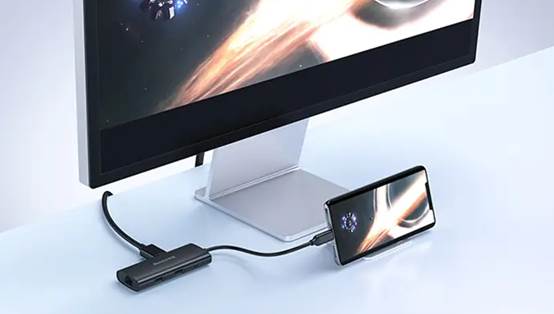
To solve this, you need a docking station that physically separates these signals. The Huntkey 8-in-1 USB-C Docking Station is designed with a specific "Mixed Port" layout.
- Dedicated USB 2.0 Ports: These are not just for cost-saving. They provide a "quiet" electrical zone specifically for your mouse and keyboard dongles, ensuring zero interference from high-speed data traffic.
- Dedicated USB 3.0 Ports: These harness the full 5Gbps bandwidth for your external hard drives and thumb drives.
- 100W PD Charging: It powers the hub and charges your laptop simultaneously, handling the power budget so your legacy devices don't disconnect.
Conclusion
Can a USB 2.0 fit in a USB 3.0? Absolutely. The industry moved mountains to ensure your old devices wouldn't become e-waste. However, to build a stable, glitch-free desktop setup, you need to route your devices correctly:
Organize your desk intelligently. Visit the Huntkey docking station series to give every device the specific port performance it requires.