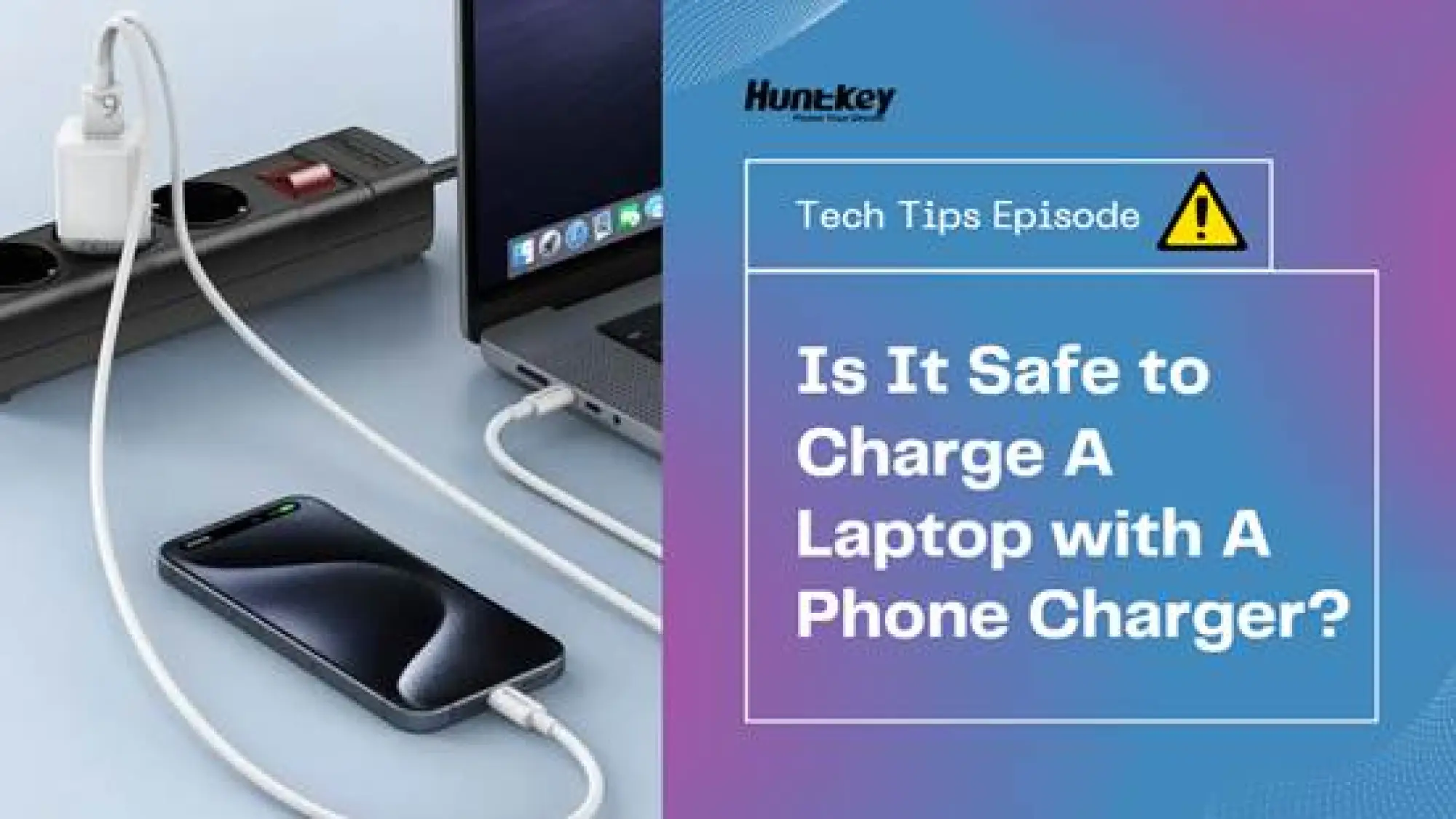
Yes, it is generally safe to [charge a laptop with a phone charger], provided both devices use the USB-C standard.
Modern devices don't just "dump" electricity into each other; they communicate first. Through a protocol called USB Power Delivery (USB PD), one of the most common and reliable protocols today, your laptop and charger perform a digital "handshake" to agree on a safe voltage level before any power flows. If the charger is too weak, the laptop simply won't accept the charge, or it will charge slowly, but it won't "fry" your electronics.
However, just because it’s safe doesn’t mean it’s efficient. Here is the engineering reality of using a USB-C laptop charger to charge your phones.
Why is my laptop 'slow charging' or not charging at all with my phone charger?
If you’ve plugged a standard phone block into your laptop and seen nothing happen, it comes down to a mismatch in "Electrical Pressure" (Voltage) and "Flow" (Current).
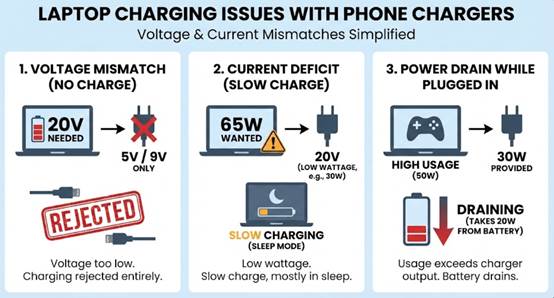
The Voltage Mismatch (It Won't Charge)
Laptops typically need 20V to push energy into their large battery packs. Many older or smaller phone chargers are capped at 5V or 9V.
When you plug it in, the laptop asks for 20V. The charger says, "I can only do 9V." The laptop determines this is insufficient to overcome the battery's internal resistance and rejects the connection entirely. You see no lights, no charging icon.
The Current Deficit (Slow Charging)
Newer phone chargers can provide 20V, but often at lower Amperage (e.g., 30W total power vs. the 65W your laptop wants).
Then, your laptop enters "Low Power Mode." It may only charge while the lid is closed (sleep mode) because the incoming power is just enough to fill the battery but not enough to run the screen and CPU simultaneously.
The "Drain While Plugged In" Phenomenon
If you try to game or render video while using a low-wattage charger, you might notice the battery percentage dropping even though it says "Charging." Why?
Generally speaking, your laptop is burning 50W of power, but the charger is only providing 30W. The system takes the missing 20W from the battery to keep running. It’s safe, but don’t expect to reach 100% until you turn the computer off.
Will using a low-watt USB-C notebook charger damage my battery?
This is the most common fear: "Will I ruin my $2,000 laptop by using a $20 phone charger?"
The answer is No. In fact, it might even be better for your battery in the long run.
The "Handshake" Protects You
The USB-C connection is not "live" the moment you plug it in (unlike older barrel jacks). It starts in a "Cold Socket" state (0V). The Source (charger) and Sink (laptop) negotiate a contract:
- Source: "I can give you 5V, 9V, or 15V."
- Sink: "I need 20V. Do you have it?"
- Result: If no match is found, power is never sent. Over-voltage damage is physically impossible because the high voltage is never turned on.
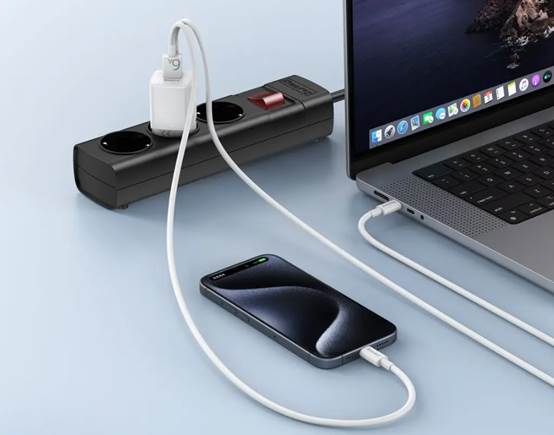
The Hidden Benefit of Slow Charging
Discussions on Reddit and tech forums often miss this point: Slow charging reduces heat. Lithium-ion batteries degrade faster when exposed to high temperatures. Blasting your battery with a 100W fast charger generates significant heat (I2 R losses).
- Using a lower-wattage phone charger (e.g., 30W) acts as a "Slow Charge" protocol.
- This keeps the battery cooler during the cycle, potentially extending the overall lifespan of your laptop's battery cells.
But what if you don't want to compromise on speed to protect your battery? This raises an important question: Is there a charger that can deliver the high-speed power your laptop demands while also featuring smart temperature control and dynamic power adjustment?
Are There Any One-Fit-All Chargers that Save My Space?
You don't need to carry a brick for your laptop and a cube for your phone. The industry has moved to Gallium Nitride (GaN) technology, which allows chargers to be smaller, cooler, and more powerful.
A single high-quality GaN charger can handle your phone, tablet, and performance laptop by automatically adjusting its output.
Compact-Sized Fast Chargers
If you decide to buy charging set for both your phones and laptop with just one cube without carrying a brick, look for GaN adapters that support the 20V profile.
Huntkey K65 GaN Fast Charger (American Standard)
The Spec: 65W Output | Supports 5V, 9V, 12V, 15V, 20V.
K65 uses 3D stacking technology to be 45% smaller than a standard laptop adapter. It provides the full 20V/3.25A required by most ultrabooks (like Dell XPS or MacBook Air), meaning no "slow charger" warnings.
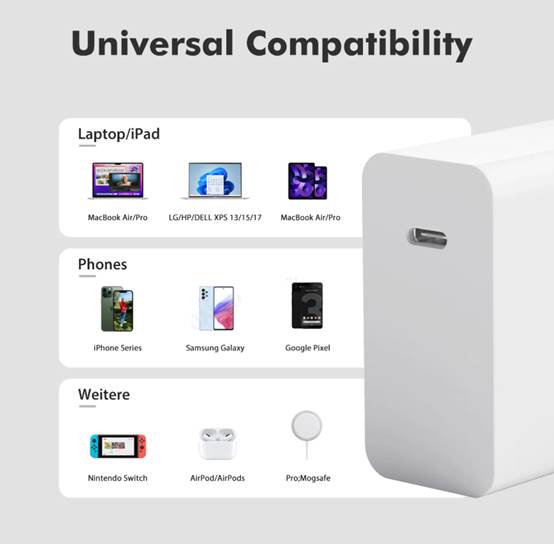
Huntkey P100 GaN Fast Charger (European Standard)
The Spec: 100W Output | Supports 5V, 9V, 12V, 15V, 20V | 5A Max Current.
P100 is your dream charger. It can fully charge a MacBook Pro 16″ in just 1.9 hours. It bridges the gap effectively, offering enough raw power for gaming laptops while being safe for phones.
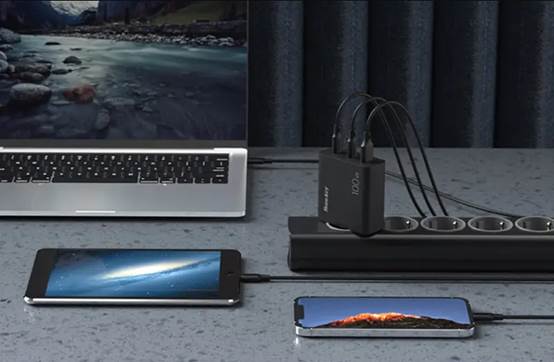
For the Desk Setup: Desktop Charging Station
Stop crawling under the desk to swap plugs. A desktop station brings the "Source" to you.
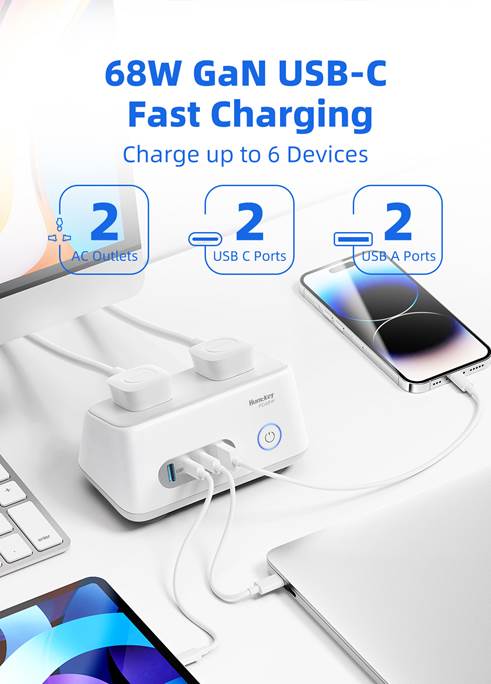
Charge Station W68 (Universal Standard)
The Spec: 2 USB-C (PD 68W) | 2 AC Outlets | 2 USB-A.
Replace your power strip and your chargers. You get 68W dedicated USB-C charging for your laptop, plus extra ports for monitors or printers, all in a fire-retardant casing.
Further reading on power strip or desktop charging station safety guide:
- [2025 Update] What You Should NEVER Plug into A Power Strip!
- What to do If I Spill Water on a Surge Protector Power Strip?
So, Can I Charge My Laptop with a Phone Charger?
Yup!
- For emergencies: Any USB-C charger is better than nothing, even if it’s slow.
- For daily use: Upgrade to a 65W+ GaN charger. It’s the only brick you’ll ever need to carry.
Ready to ditch the brick? Explore the Huntkey GaN Series for safe, certified power that fits in your pocket.