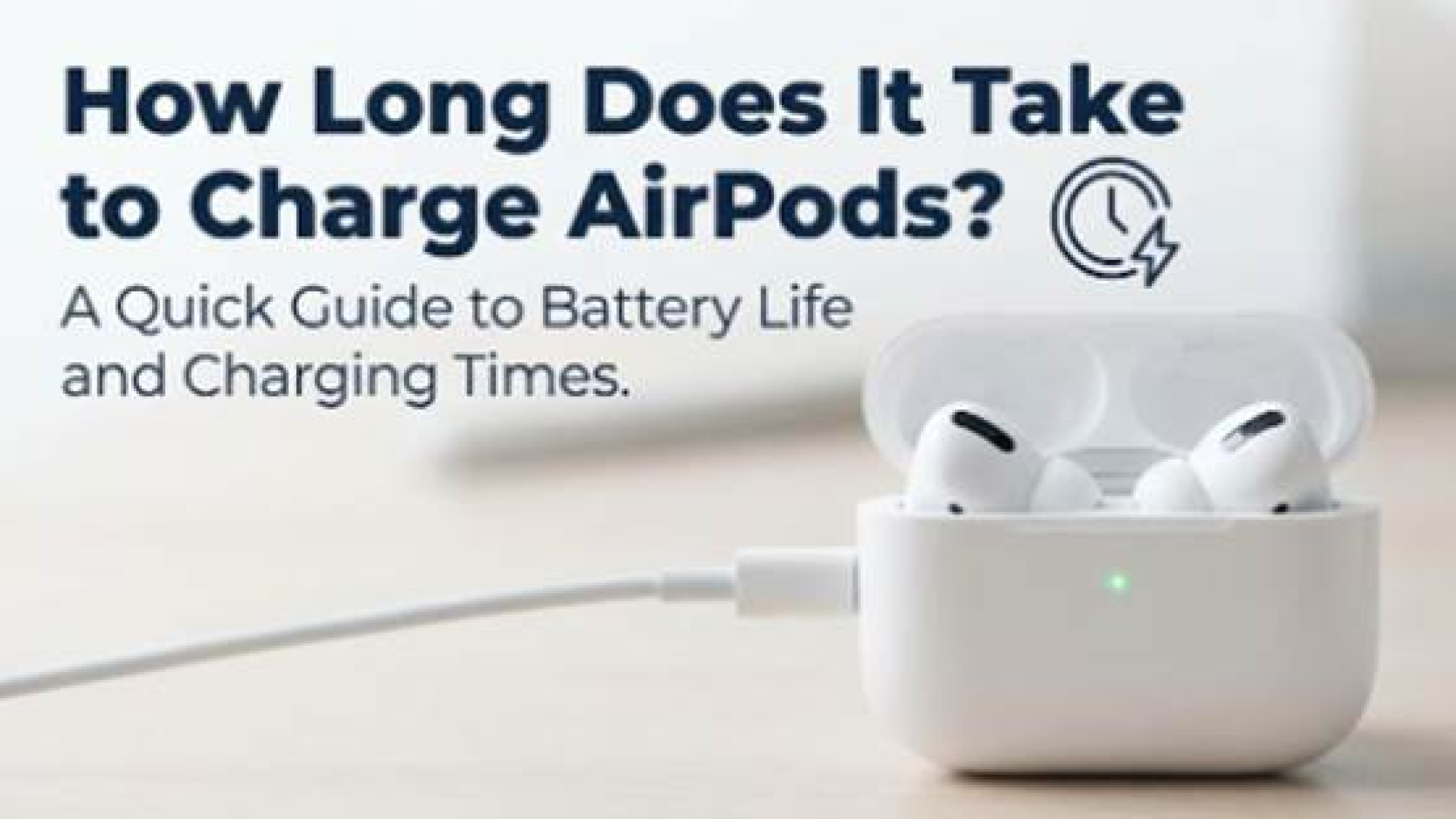
You’re rushing out the door, grab your AirPods, and hear that dreaded "low battery" chime. You have five minutes before your train leaves—is that enough?
The short answer is yes. For most models, a quick 5-minute charge provides about 1 hour of listening time.
However, reaching 100% is a slower biological process for the battery. Generally, AirPods earbuds take 45 to 60 minutes to fully charge in their case, while the case itself requires 1.5 to 2 hours to recharge via cable. Here is the definitive breakdown of how long do AirPods take to charge for every generation.
AirPods Charging Times (The Quick Breakdown)
Apple engineers prioritize "fast fuel" for the first 50% of the charge, then slow down significantly to protect the battery health. This means your earbuds might hit 80% in 20 minutes but take another 40 minutes to finish that last 20%.
Here is the complete data matrix for the ecosystem:
| Model | Earbuds 0-100% | Case 0-100% (Wired) | Quick Charge Spec | Input Interface |
| AirPods 1 | 20-30 mins | 1-2 hours | 15 mins = 3 hrs listening | Lightning |
| AirPods 2 | 20-30 mins | 2 hours | 15 mins = 3 hrs listening | Lightning |
| AirPods 3 | 45-60 mins | 1.5 hours | 5 mins = 1 hr listening | Lightning / MagSafe |
| AirPods 4 | 45-60 mins | 1.5 hours | 5 mins = 1 hr listening | USB-C |
| AirPods Pro 1 | 60 mins | 2 hours | 5 mins = 1 hr listening | Lightning / Magsafe |
| AirPods Pro 2 | 60 mins | 1.5 - 2 hours | 5 mins = 1 hr listening | USB-C / Lightning / Magsafe |
| AirPods Pro 3 | 60 mins | 1.5 - 2 hours | 5 mins = 1 hr listening | USB-C / Lightning / Magsafe |
| AirPods Max | N/A | 2 hours (Device) | 5 mins = 1.5 hrs listening | USB-C / Lightning |
Note: Wireless charging (using a standard Qi or [magsafe charger for apple]) is typically 30-40% slower than wired charging due to heat management limits.
How to Check AirPods Battery Health
Knowing how long AirPods last per charge is useful (roughly 5-6 hours for recent models ), but knowing their long-term health is critical.
How to Check Charge
Open your case lid near your iPhone. A card will pop up showing the exact percentage of the case and each earbud. If you see the case draining while not in use, this is often the "Find My" radio remaining active, which is normal behavior for Pro and Gen 4 models.
The Real "Health" Feature: Optimized Battery Charging
If your AirPods seem stuck at 80% charge, they aren't broken. Apple uses Optimized Battery Charging to learn your routine.
If you usually unplug at 7 AM, the system holds the battery at 80% (to reduce chemical stress) and finishes the final 20% right before you wake up. This prevents the battery from sitting at high voltage all night, significantly extending its lifespan.
Conclusion
While your AirPods can grab a quick boost in minutes, a full healthy charge takes patience. To keep your batteries functioning for years, avoid overheating them with cheap wireless pads.
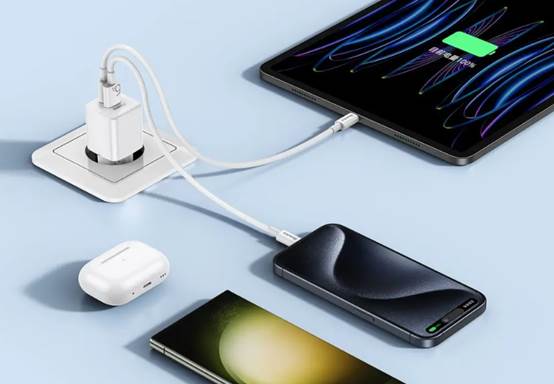
Power Your Apple Ecosystem Safely For a reliable charge that respects Apple's thermal limits, consider Huntkey's Charging Solutions. Our chargers utilize Smart IC technology to identify your device and deliver the precise current required—ensuring you get the fastest safe charge without "frying" your battery health.